
WordPress as a CMS
WordPress runs a huge share of the web for a reason: built properly, it lets you run your own site. I don’t install it and walk away – I set it up around your business, so the people who run the company can update everything themselves, without turning into developers.
What you can do yourself
- Edit content like a document
- Organise content your way
- Change menus and page sections
- Control who can do what
- Move data in and out
Edit Content Like a Document
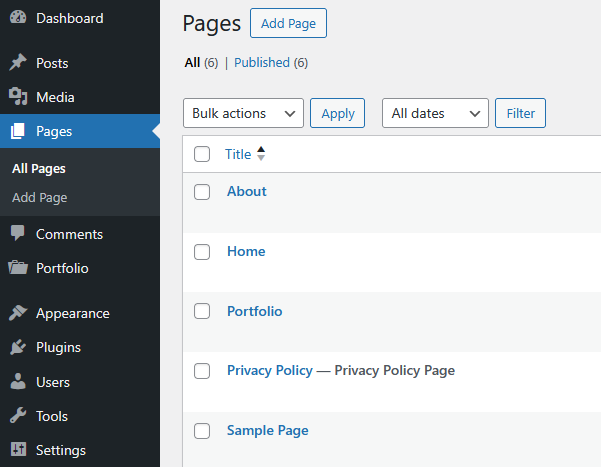
Type, format, add images, videos, tables and buttons, and see the result as you go – no HTML, no “publish and pray”.
- Visual editor – works like a word processor, so anyone on the team can use it
- Block editor – build whole pages from headings, images, galleries, buttons and forms, and save your own layouts to reuse
- Preview and schedule – check before publishing, or set a post to go live next Monday at 9:00
Organise Content Your Way
Not everything is a “post” or a “page”. I create content types that match your business – projects, team members, products, events, locations, case studies – each with its own fields and layout. No more forcing square content into round holes.
- Custom content types – each with exactly the fields it needs, so editors fill in a form instead of fiddling with layout
- Categories and filters – by service type, location, year or anything else, so visitors find what they want and search engines understand the structure
- Page structure – parent and child pages for clean navigation and internal linking
Change Menus and Page Sections
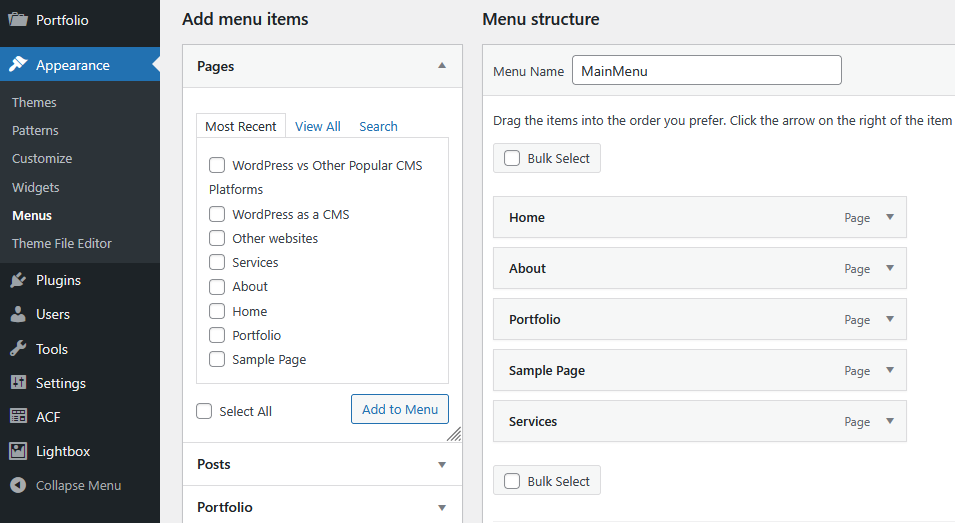
- Menus – top navigation, footer, mobile and mega menus, rearranged by drag and drop
- Reusable sections – swap a promotion, testimonial or contact box in seconds, without rebuilding the page
- Design stays intact – a custom theme keeps layout, colours and typography consistent, whatever editors add
Control Who Can Do What
Admins, editors, authors, contributors – or custom roles I create for your team. Decide who can publish, who can only draft, and who can touch settings. No more interns accidentally deleting the homepage.
Move Data In and Out
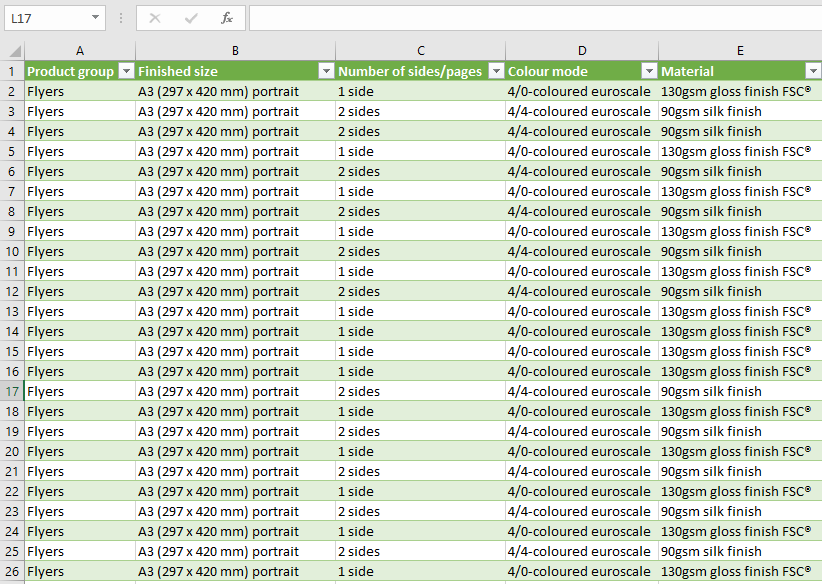
Products, posts, users and orders can be imported or exported as CSV, XML or JSON – for migrations, backups or syncing with your CRM and accounting. More on the Import / Export page.
Plugins: Smart, Not Stupid
WordPress has tens of thousands of plugins – and most slow sites are drowning in them. After 15+ years of building WordPress sites, I know when a plugin is the clean, fast solution and when a few lines of custom code are better. No bloat, no conflicts, only what actually serves the business.
Built to Grow
- Secure – hardened setup, safe updates and secure logins. More on the Security & Compliance page
- Fast and findable – caching, optimised images, sitemaps and structured data. More on the SEO and Sales page
- Multilingual – one site serving several countries, with proper translations and language switching
- Connected – a built-in API, so WordPress can feed content to apps or other systems
Why Not Something Else?
Drupal, Joomla, Wix, Webflow, Shopify – there are plenty of alternatives, and some of them really are the better choice in certain cases. I’m honest about when WordPress isn’t the right tool. See how they compare in WordPress vs Other Popular CMS Platforms.