Business Websites
WordPress started as a blogging tool. Built properly, it’s a sharp, no-bullshit business weapon: you update your own site, and it saves you time instead of creating more work.
What I build with it
- Company Brochures – who you are, what you do, how to reach you
- Marketing Networks – several brands or partner sites, one backend
- News & Publishing – for organisations that live on fresh content
- Portfolios & Showcases – for creatives who need their work to shine
- Membership & Communities – logins, user roles, protected content
- CMS for Complex Features – interactive maps, archives, timelines
Company Brochures
Most companies don’t need a complicated web app. They need a professional, up-to-date site that clearly says who they are, what they do and why someone should hire them – without the corporate buzzword vomit.
That usually means:
- About – the real story and the people behind the company
- Services or products – pages that explain what you actually sell
- Contact – map, phone, email and a form that actually works
- Legal pages – privacy, cookies and terms, easy to update when the rules change
Everything runs on a proper WordPress CMS, so you or your marketing person can change text, swap photos, add a service or update the team page without calling a developer. No more paying someone by the hour to change a phone number.
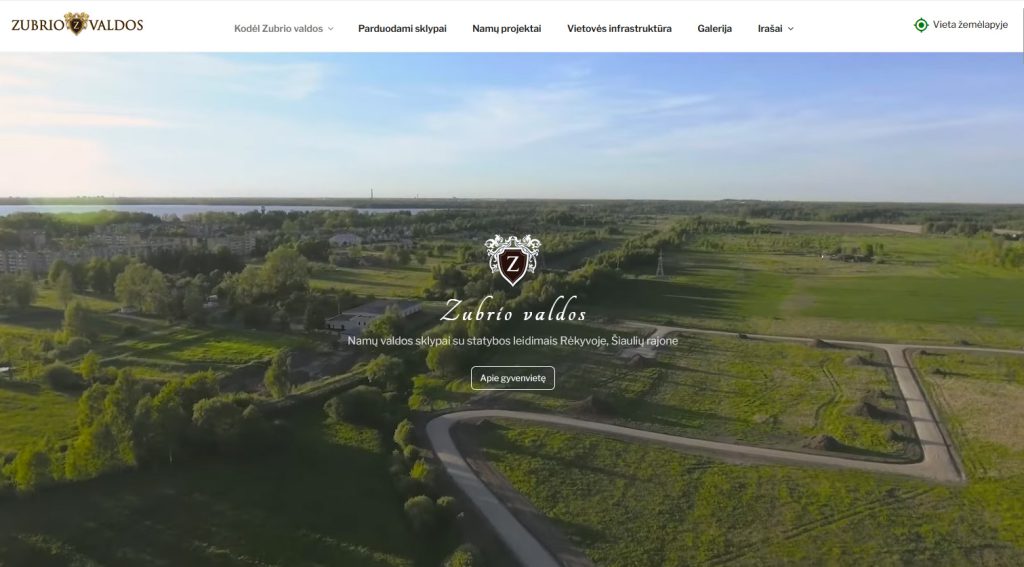
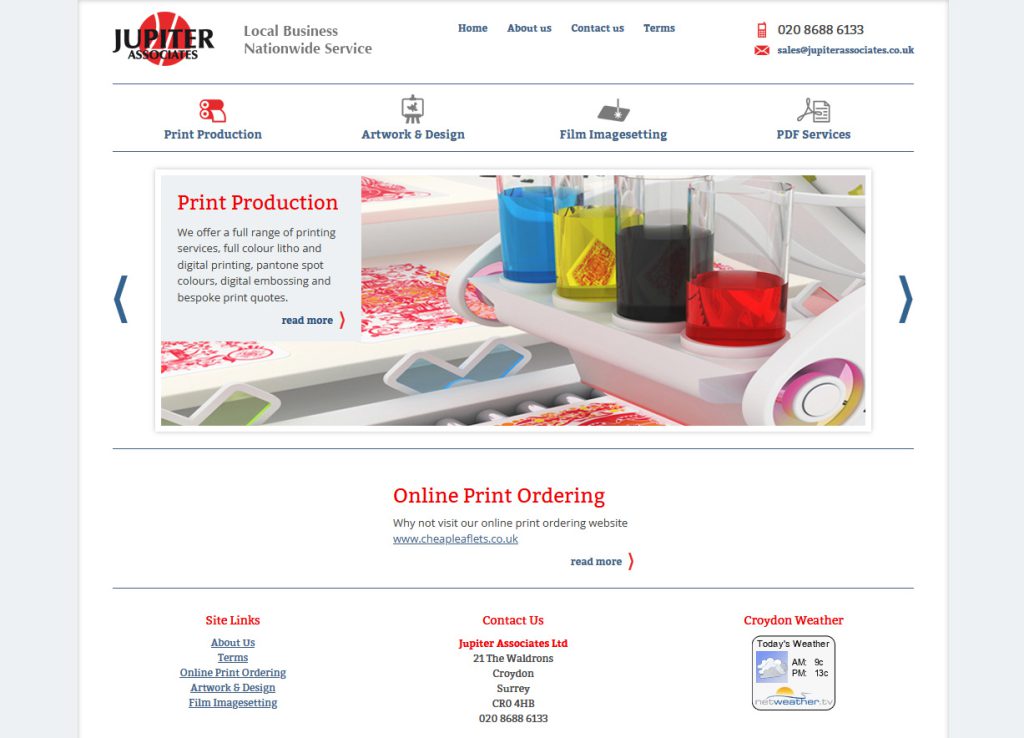
Examples: Jupiter Associates and Zubrio valdos.
Marketing Networks

Running several brands, products or partner sites? I can put them all on one WordPress backend, each with its own design and campaigns:
- every brand or partner gets its own look and its own landing pages
- update offers and news once, and they appear on every site that needs them
- launching a new partner or campaign site doesn’t mean building from scratch
- one login, one place to manage everything
Instead of ten separate websites with copied content and clashing designs, you get one marketing machine that grows cleanly.
Example: a full network of trading education, broker and affiliate sites.
News & Publishing
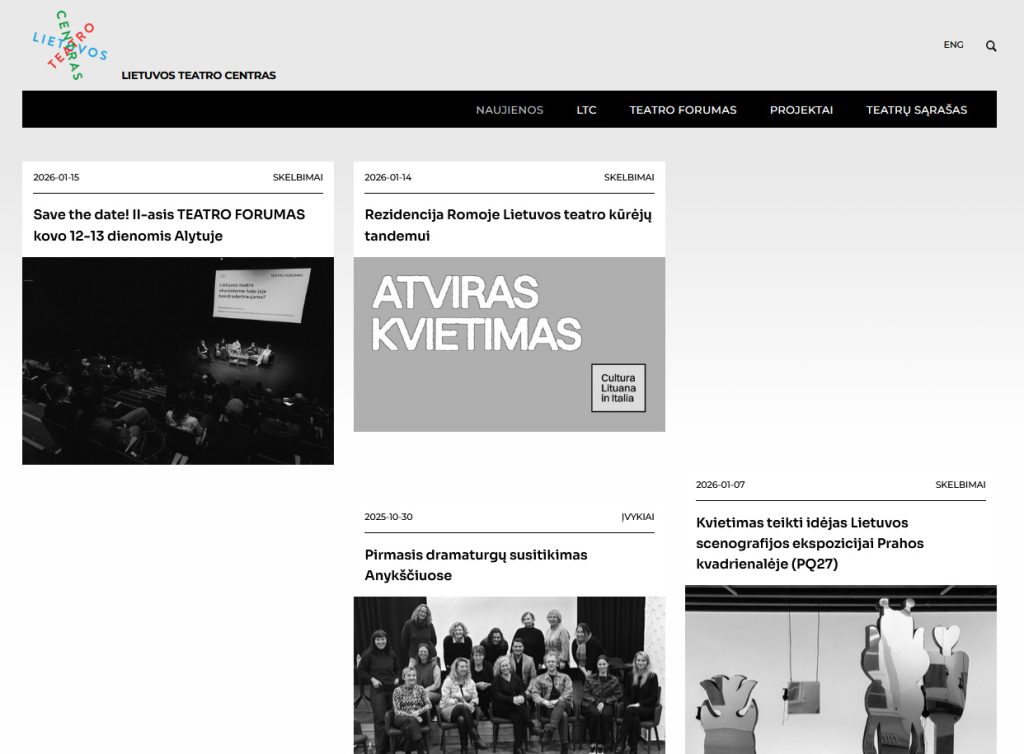
If your organisation lives on fresh content, a website nobody updates is dead. I build sites where publishing news, events and articles is quick and painless for whoever writes them:
- clean article layouts that are easy to read
- categories and tags so readers find related content
- galleries and video
- author pages for multiple writers
- scheduled posts
- SEO-friendly structure
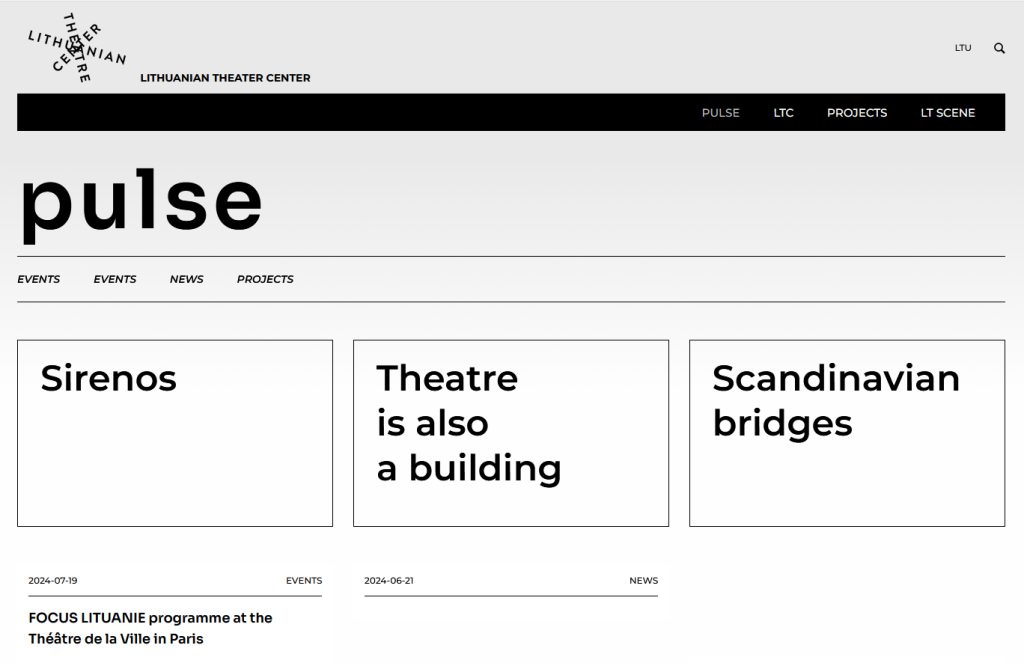
Example: the Lithuanian Theatre Centre, the main voice of Lithuanian theatre, regularly publishing news, events, projects and open calls.
Portfolios & Showcases
Photographers, architects, designers, artists, makers, agencies – your work should be the loudest thing on the page, not the website. I build portfolios that show it off and get out of the way:
- Galleries that load fast – full-quality images, automatically resized for every screen, so they stay sharp without slowing the site down
- Organised work – projects grouped by category, type or year, with filters so visitors find what interests them
- Case studies – room for the story behind each project: the brief, the process, the result. Clients hire people, not just pictures
- Video and rich media – showreels, before/after comparisons, embedded 3D or interactive previews
- Easy updates – adding a new project takes minutes, so the portfolio doesn’t stall at “I’ll add that later”
- Turning visitors into clients – testimonials, client list and a clear way to get in touch
This site is one of them.
Membership & Communities
Need content or tools that only certain people can see? I build member areas that are secure, simple for members and fully under your control:
- User roles – admins, editors, members, paid tiers. Everyone sees exactly what they should, and nothing more
- Members’ front end – registration, login, profiles and a personal dashboard, all in your site’s design. Members never see the WordPress admin
- Admin back end – approve sign-ups, manage members, see who has access to what and change it in a few clicks
- Protected content – articles, downloads, videos or forums, restricted by role, membership level or subscription
- Security – strong passwords, two-factor login, brute-force protection, regular updates and backups, data handled in line with GDPR
- Paid memberships – subscriptions or one-off payments, with access granted and revoked automatically
It works for education too: courses, training materials and knowledge bases for members only. For bigger learning platforms, see Web Apps & Platforms.
CMS for Complex Features
Sometimes a site needs more than pages and posts: interactive maps, timelines, media archives. I build the CMS layer behind them – editors manage text and images, and the JavaScript features keep working, even when someone uploads a new photo.
Example: Theatre as a Building – an architectural archive with interactive building plans.