Interactive Visuals
Most sites show one fixed picture and call it interactive. I build images that react: hover over a building plan and sections light up, pick a fabric or colour and the preview changes instantly. People don’t just look – they explore, understand, and buy.
What I build
- Interactive Plans & Maps – buildings, floors, apartments, sites
- Design-Your-Own Previews – customers build their product and see it live
- How It Works – fast, light, and easy to update
Interactive Plans & Maps
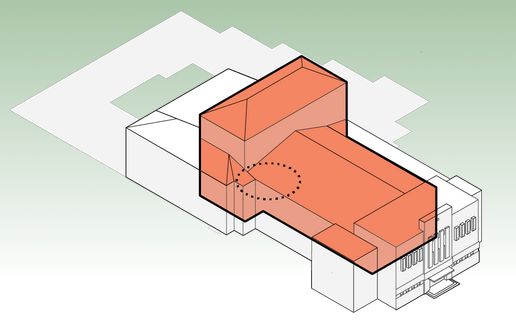
A floor plan or site map is hard to read when it’s just a flat image. I turn it into something people can explore:
- Hover or tap to highlight – a room, floor, apartment or plot lights up under the cursor
- Click for details – descriptions, photos, videos, history, prices or availability for that exact spot
- Layers on demand – switch between floors, time periods or plan versions
- Managed in WordPress – editors update the text and media behind each section themselves
Great for architects, real estate developers (pick your apartment straight from the building), museums, venues, campuses and parks.
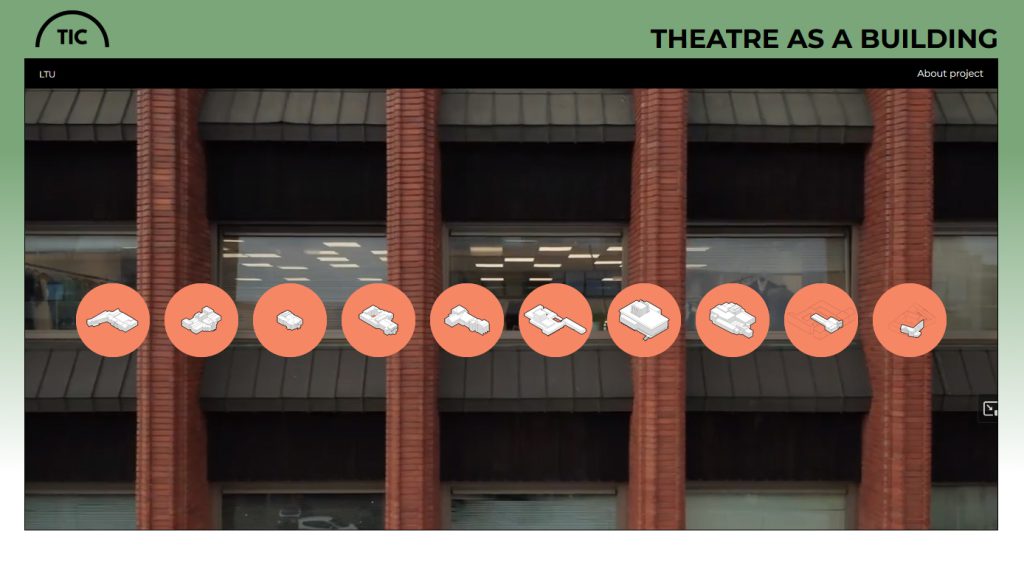
Example: Theatre as a Building – an architectural archive where visitors explore theatre building plans section by section, with descriptions, media and historical timelines.
Design-Your-Own Previews
If your customers have to imagine the result from a list of options, many of them won’t order. I build visual configurators where they put the product together themselves and see exactly what they’ll get:
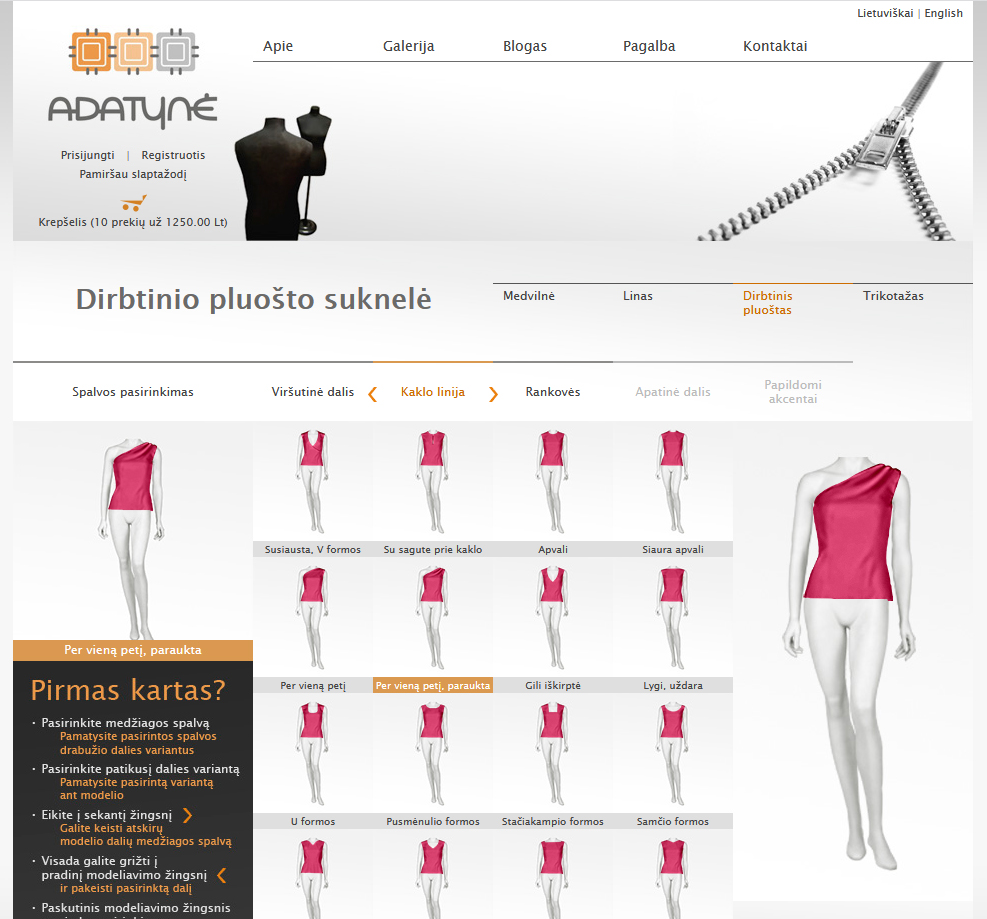
- Live preview – every choice of style, colour, material or extra shows up instantly, with no reloads
- Live price – the total updates as they choose
- Freedom to experiment – go back, swap, compare – nothing is final until they say so
- Precise orders – the finished configuration goes straight to you or your workshop, no vague descriptions or back-and-forth emails
Works for clothing, furniture, kitchens, windows and doors, signs, gifts – anything made to order.
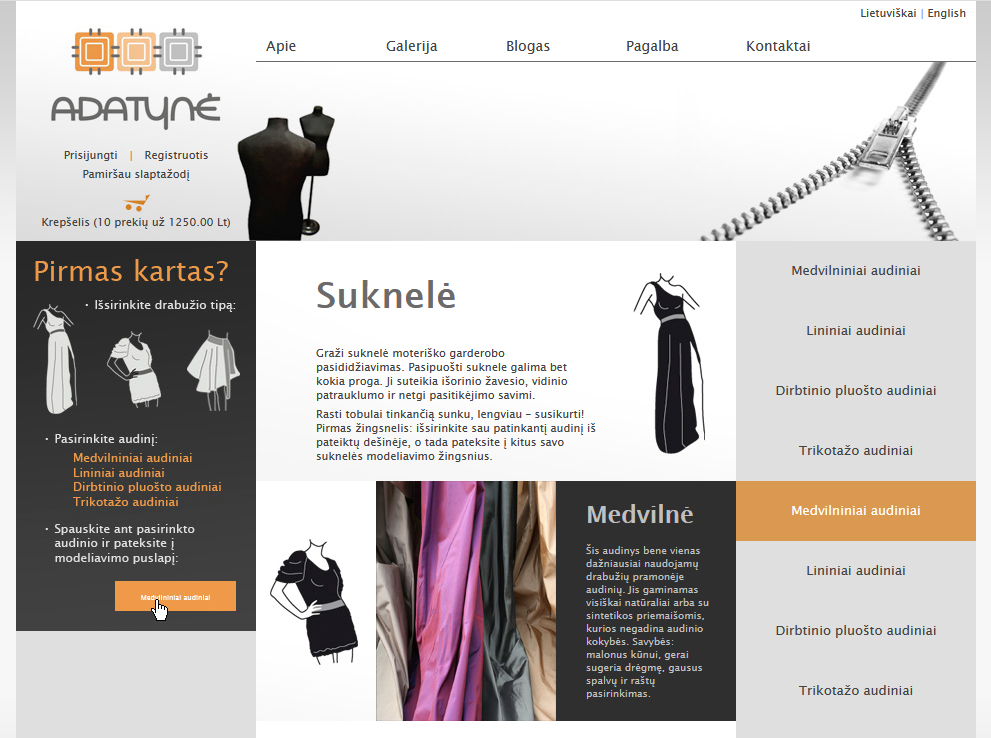
Example: Adatynė – a tailoring site where customers design their own dress, skirt or blouse from over 7,000 image layers, see the price and send exact specs to the tailor.
How It Works
The trick is layering: transparent images stacked on top of each other and switched with JavaScript, instead of heavy 3D or canvas rendering.
- Fast – the browser only swaps the layers that change, so even thousands of combinations feel instant
- Works everywhere – desktop, tablet and phone, with tap instead of hover on touch screens
- Looks real – layers come from your own photos, renders or drawings, so the preview matches the real product
- Easy to grow – add a new fabric, colour or floor by adding images, not rewriting code
Have a product or a plan that’s hard to explain with a static picture? Show me – I’ll tell you how to make it interactive.